
MyInvois E-Invoicing Complete Guide 2026: Compliance & Setup
Complete MyInvois e-invoicing guide for Malaysia 2026. Covers Phase 1 (RM100M+), Phase 2 (RM25M-100M), Phase 3 (RM5M-25M), registration, required fields, API vs portal, and penalties.
Disclaimer: This article provides general information about Malaysian tax obligations. It is not professional tax, legal, or financial advice. For your specific situation, please consult a qualified tax advisor or certified public accountant. Disclosure: This article is published on the Denpyo blog. Denpyo provides receipt management and expense tracking services.
What is MyInvois?
MyInvois is Malaysia's mandatory e-invoicing system managed by the Inland Revenue Board (LHDN). Starting August 2024, all SST-registered businesses meeting certain revenue thresholds must issue digital invoices in a structured format (XML/JSON) and submit them to LHDN's MyInvois portal for real-time validation before sending to customers.
The system is being phased in across three waves based on annual turnover. By July 2026, businesses earning as little as RM1M annually will face mandatory e-invoicing compliance.
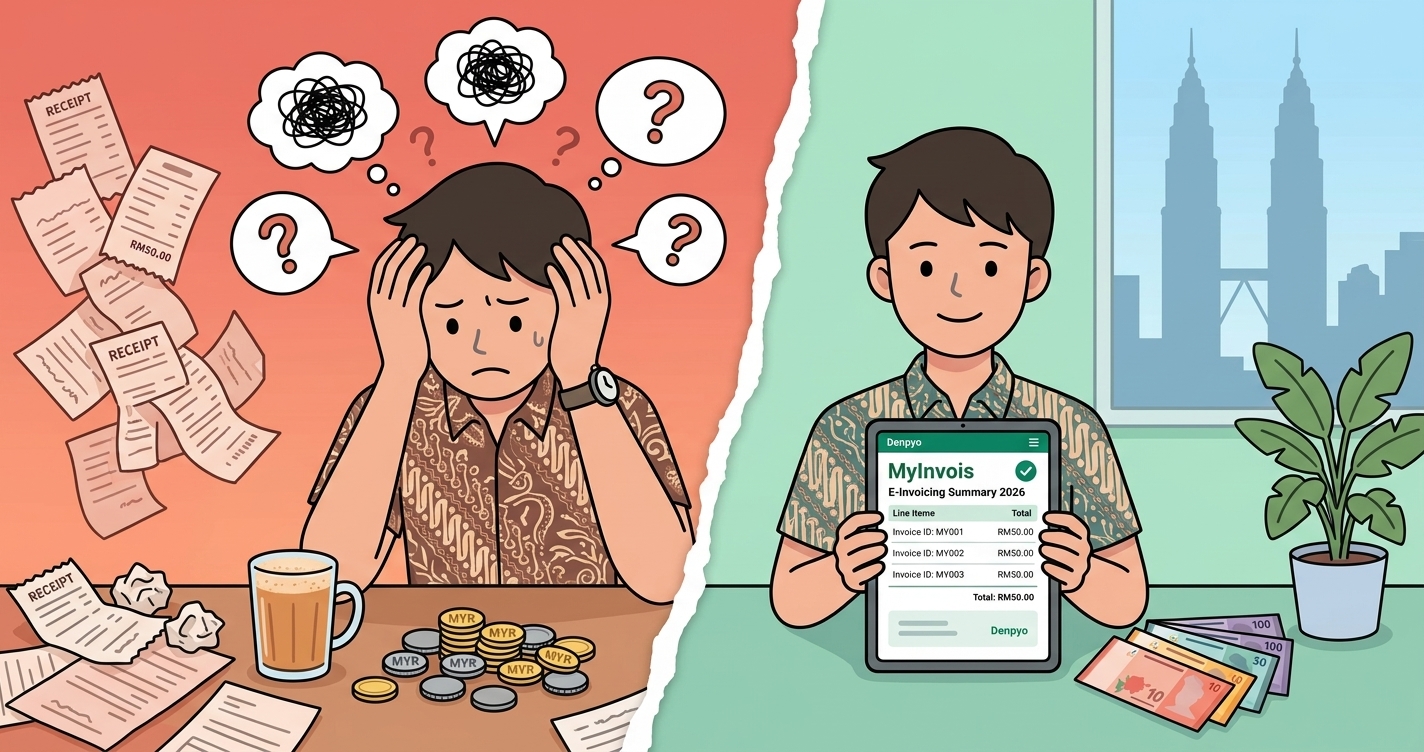
Key Benefit for Freelancers & SMEs: E-invoicing reduces paperwork, speeds up GST/SST compliance, enables automatic record-keeping for tax authorities, and improves cash flow tracking through a centralized portal.
MyInvois Phase Implementation Timeline
Malaysia's e-invoicing mandate is rolling out in three distinct phases based on business size:
Phase 1: Large Enterprises (RM100M+ Annual Turnover)
- Effective Date: August 1, 2024 (already in effect)
- Deadline: All businesses with annual turnover exceeding RM100 million
- Current Status: Mandatory—non-compliance results in penalties starting January 2025
- Penalty: Up to RM10,000 per invoice for failure to issue via MyInvois
- Grace Period Ended: Yes (6-month grace period ended December 31, 2024)
Phase 2: Medium Enterprises (RM25M-RM100M Annual Turnover)
- Effective Date: January 1, 2025 (recently commenced)
- Deadline: All businesses earning RM25M-RM100M annually
- Current Status: Mandatory—penalties enforced from January 1, 2025
- Grace Period: 6-month relaxation (January–June 2025); penalties waived but compliance expected
- Full Enforcement: July 1, 2025—penalties apply for non-compliance
- Penalty: Up to RM10,000 per invoice
Phase 3: Smaller Businesses (RM5M-RM25M Annual Turnover)
- Effective Date: July 1, 2025 (already in effect)
- Deadline: All businesses earning RM5M-RM25M annually
- Current Status: Mandatory—but in 6-month relaxation period (July 2025–December 2025)
- Grace Period: 6-month relaxation (July–December 2025); compliance required but penalties waived
- Full Enforcement: January 1, 2026—penalties apply
- Penalty: Up to RM10,000 per invoice
Phase 4: Micro Businesses (RM1M-RM5M Annual Turnover) — CRITICAL FOR FREELANCERS
- Effective Date: July 1, 2026 (upcoming)
- Deadline: All businesses earning RM1M-RM5M annually
- Current Status: Not yet mandatory (preparation phase)
- Grace Period: 12-month relaxation (July 2026–June 2027); compliance required, but penalties waived during this period
- Full Enforcement: July 1, 2027—penalties apply
- Penalty: Up to RM10,000 per invoice
Exemption: Businesses Below RM1M
- Exemption Threshold (Updated December 6, 2025): Raised from RM500K to RM1M
- Who is Exempt: All SST-registered businesses with annual turnover below RM1M
- Benefit: No requirement to issue e-invoices via MyInvois; traditional manual invoices are acceptable
Who Must Register for MyInvois?
Mandatory registration applies to:
- All SST-Registered Businesses earning above the relevant threshold (RM1M, RM5M, RM25M, RM100M depending on phase and year)
- Sole Proprietors & Freelancers if they earn RM1M+ annually and have SST registration
- Partnerships & Companies meeting the threshold
- Government Agencies & Statutory Bodies for B2B and B2G transactions
Not Required: Non-SST-registered businesses (sole traders earning Every e-invoice issued via MyInvois (myinvois.hasil.gov.my) must contain 55 specific data fields in structured XML or JSON format. These fields include: Critical: All invoices must be digitally signed using a Digital Certificate issued by IRBM (Inland Revenue Board of Malaysia). Unsigned invoices will be rejected by the MyInvois system. Best for: Small businesses, freelancers, occasional invoicers (< 50 invoices/month) How it works: Pros: No technical setup required, free, accessible anywhere with internet Cons: Manual data entry is tedious for high-volume businesses, slower for bulk uploads Best for: Medium to large businesses, accounting software providers, retailers (>50 invoices/month) How it works: Pros: Fully automated, fast bulk submission, integrates with existing accounting systems, ideal for high-volume businesses Cons: Requires technical setup, may need IT support, charges may apply for third-party integration Popular Accounting Software with MyInvois Integration: Xero, QuickBooks Online, MYOB, Zoho Books, FreshBooks, Billforce, Greenshoots, Tax365, Tallyfy Step 1: Verify Eligibility Step 2: Create MyInvois Account Step 3: Complete Profile Setup Step 4: Generate Digital Certificate Step 5: Issue Your First E-Invoice Non-compliance with MyInvois carries stiff penalties: Issue 1: "Invoice Rejected – Missing Required Fields" Solution: Review all 55 mandatory fields; common missing fields are buyer TIN (for B2B), tax calculation errors, or incorrect date format (must be YYYY-MM-DD). Correct and resubmit. Issue 2: "Digital Signature Invalid" Solution: Ensure your Digital Certificate is current and properly installed. Renew certificate if expired. Re-sign and resubmit. Issue 3: "Cannot Login – 2FA Code Not Received" Solution: Check spam folder for 2FA email. Resend code via SMS option. Verify your email/phone number is correctly registered. Issue 4: "MyInvois Reference Number (IRN) Not Generated" Solution: Invoice is still pending LHDN validation. Wait 5-10 minutes and refresh. If still pending, contact MyInvois support or check system status page. Denpyo's receipt scanning and expense tracking simplifies MyInvois compliance. When you photograph a receipt or create a sales invoice, Denpyo automatically organizes the transaction data—supplier name, date, amounts, tax classification. For businesses issuing invoices, this organized data feeds directly into MyInvois templates, reducing manual data entry errors. For purchasing (receipt) tracking, Denpyo's categorization aligns with MyInvois line item requirements, ensuring your records are audit-ready when LHDN reviews them. Register now at MyInvois portal (myinvois.hasil.gov.my) and ensure your business is compliant before Phase 4 enforcement in July 2027.MyInvois Technical Requirements: 55 Mandatory Data Fields
Invoice Header (Required for All Invoices)
Seller/Supplier Information (Required)
Buyer/Customer Information (Required)
Line Items / Product Details (Required for Each Item)
Invoice Totals (Required)
Payment & Additional Info
Two Methods to Issue MyInvois E-Invoices
Method 1: MyInvois Portal (Web-Based)
Method 2: API Integration (Recommended for High-Volume Businesses)
Step-by-Step: Register for MyInvois (Portal Method)
MyInvois Penalties & Enforcement
Violation
Penalty
Enforcement Timeline
Failure to issue e-invoice (per invoice)
Up to RM10,000
Phase 1 (RM100M+): Jan 2025 onwards
Submitting incomplete invoice data
Up to RM5,000 per invoice
Automatic rejection; resubmit correctly
Missing or invalid digital signature
Up to RM5,000
Invoice rejected; must re-sign and resubmit
Late submission to LHDN (after 30 days)
RM1,000 + 1% interest per month
Applies after grace period ends
Failure to maintain MyInvois records (7-year requirement)
Up to RM10,000 + audit findings
During tax audit
Key Deadlines for Phase 4 (RM1M-RM5M) Businesses in 2026
Common MyInvois Issues & Troubleshooting
How Denpyo Helps with MyInvois Compliance
Summary
Track expenses, maximize deductions
Denpyo scans your receipts and finds tax savings automatically.