

01Capture
Receipts in. Ready records out.
Photograph it, drop it on the web, forward the email or import the statement. Every document lands in the same list with the original attached.
Three scans free, no card. Paid plans take a card at checkout and start a 7-day trial.
What Capture gives you
Three scans free
No card at sign-up. Paid plans take one at checkout and start a 7-day trial.
Six document types
Receipts, invoices, transfer vouchers, expense reports, card statements and bank statements.
Web, iPhone and Android
The same list on every device, plus a forwarding address that needs none of them.
Originals kept
Every file is stored unchanged with a SHA-256 hash and an upload timestamp.
Scan it where you are
Point the camera at the receipt. On iPhone the app finds the document edges for you; on both phones the photo goes straight to extraction and the record appears on the spot.
- Native apps for iPhone and Android, on the same account as the web.
- The photo is stored unchanged and stays attached to the record.
- Sign in once. The list is the same on every device.


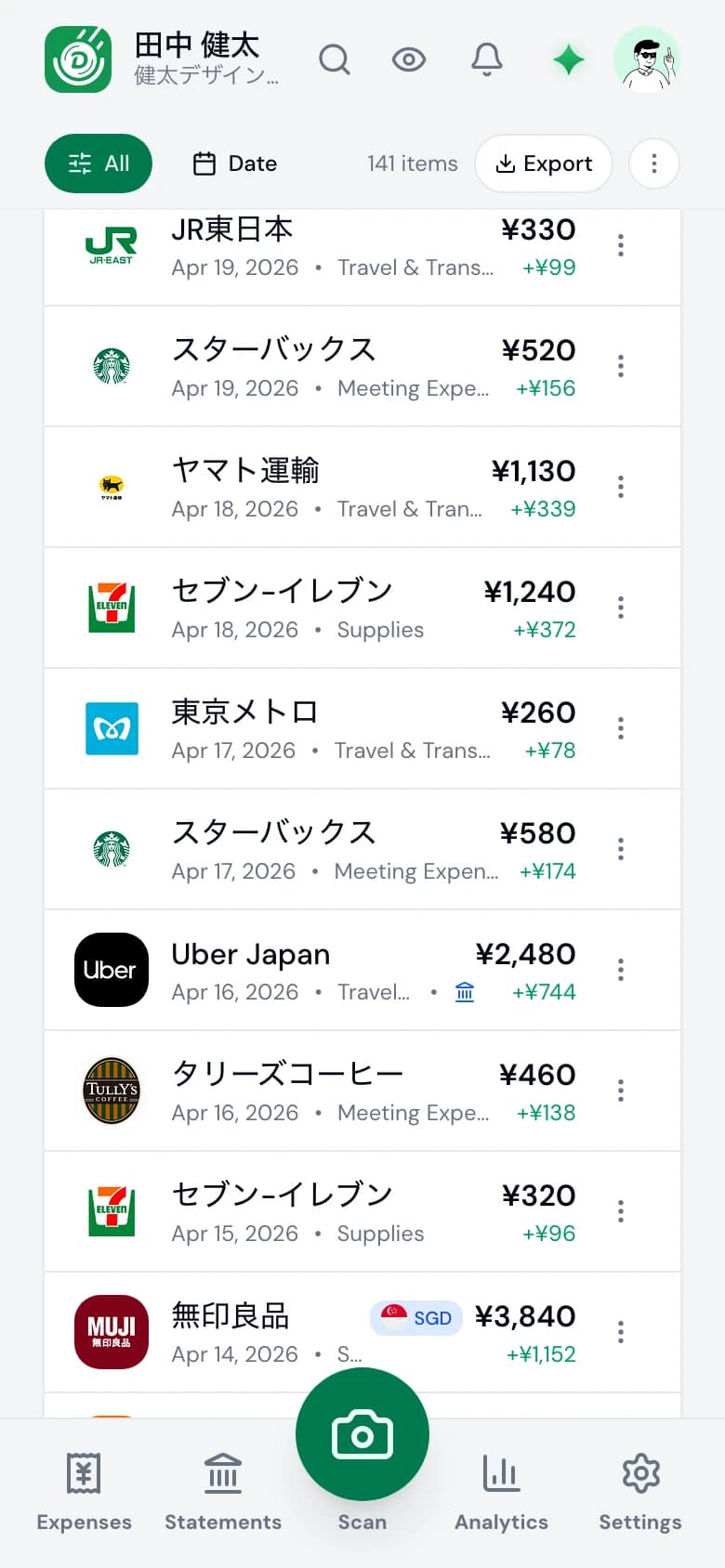
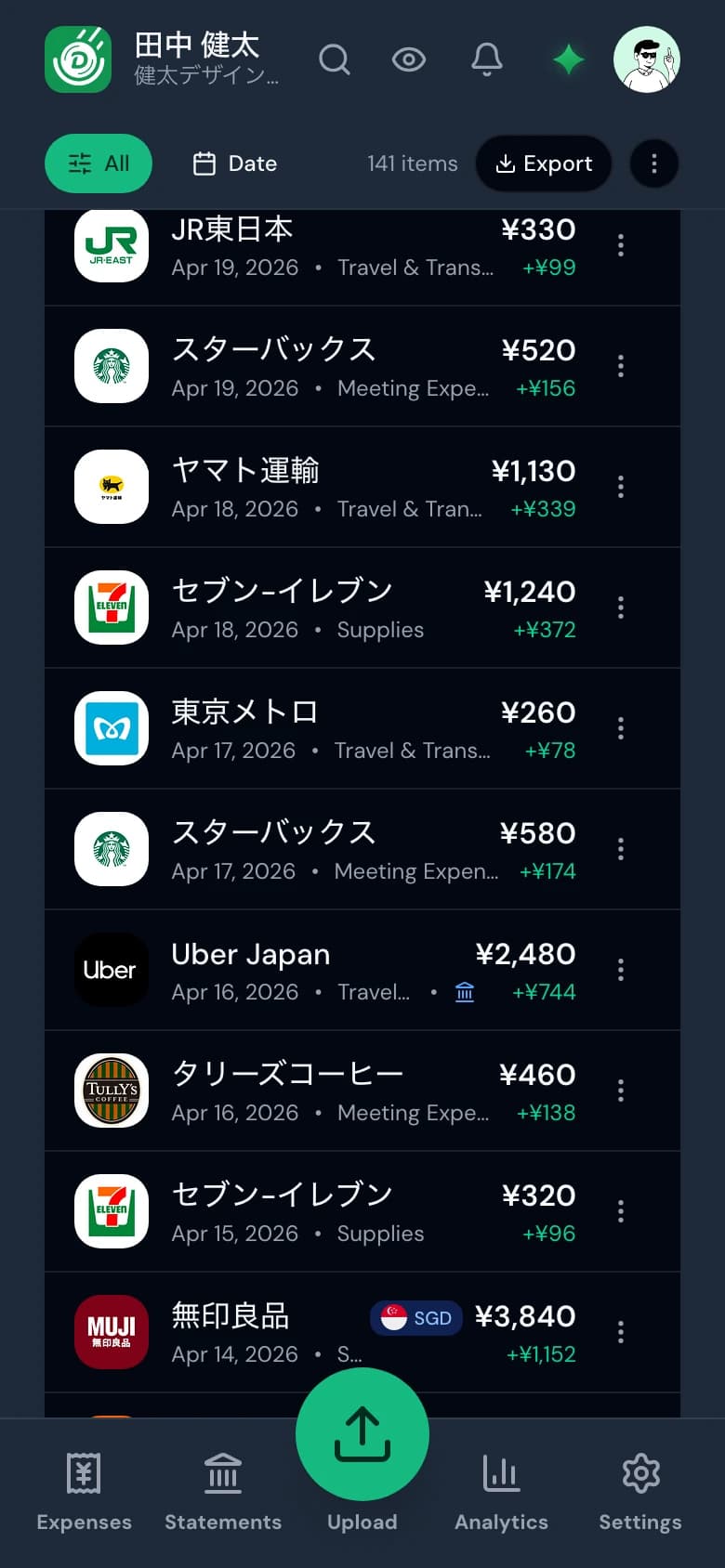
Web
Drop the files, all at once
Drag a folder of photos or PDFs onto the web app. Each file is processed on its own, so the first record appears while the rest are still working.
JPEG, PNG, HEIC and PDF are accepted. Records land in the list as they finish, with a mark if one looks like a duplicate.

¥13,425

¥1,240

¥1,067

¥460
Forward it and forget it
Every account has a private address at receipts.denpyo.com. Forward an invoice email with its PDF or photo attached and it is extracted like any other document.
Each forwarded file gets the same hash and timestamp as a scan, and you get a confirmation back by email.
Email forwarding
Attach a PDF or a photo, then forward it to this alias.

Uber Eats
Oct 18, 2026 • 会議費
¥2,910
+¥873
Uber Eats
Jan 5, 2026 • 会議費
¥2,910
+¥873

Google Cloud
Jan 4, 2026 • 通信費
¥30,207
+¥9,062

マツモトキヨシ
Jan 3, 2026 • 消耗品費
¥1,543
+¥463
Hover to see the flow
Statements
Bring the bank in too
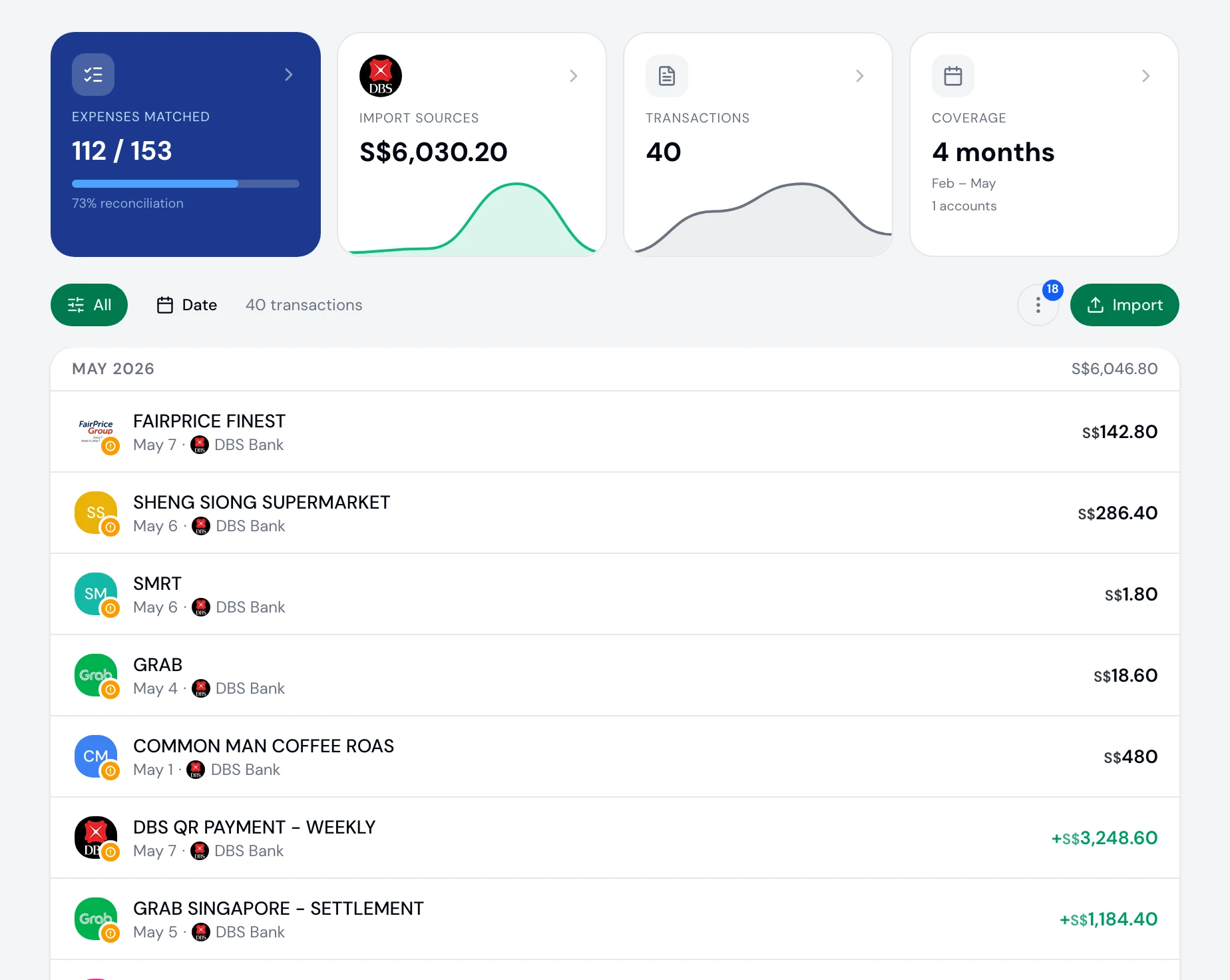
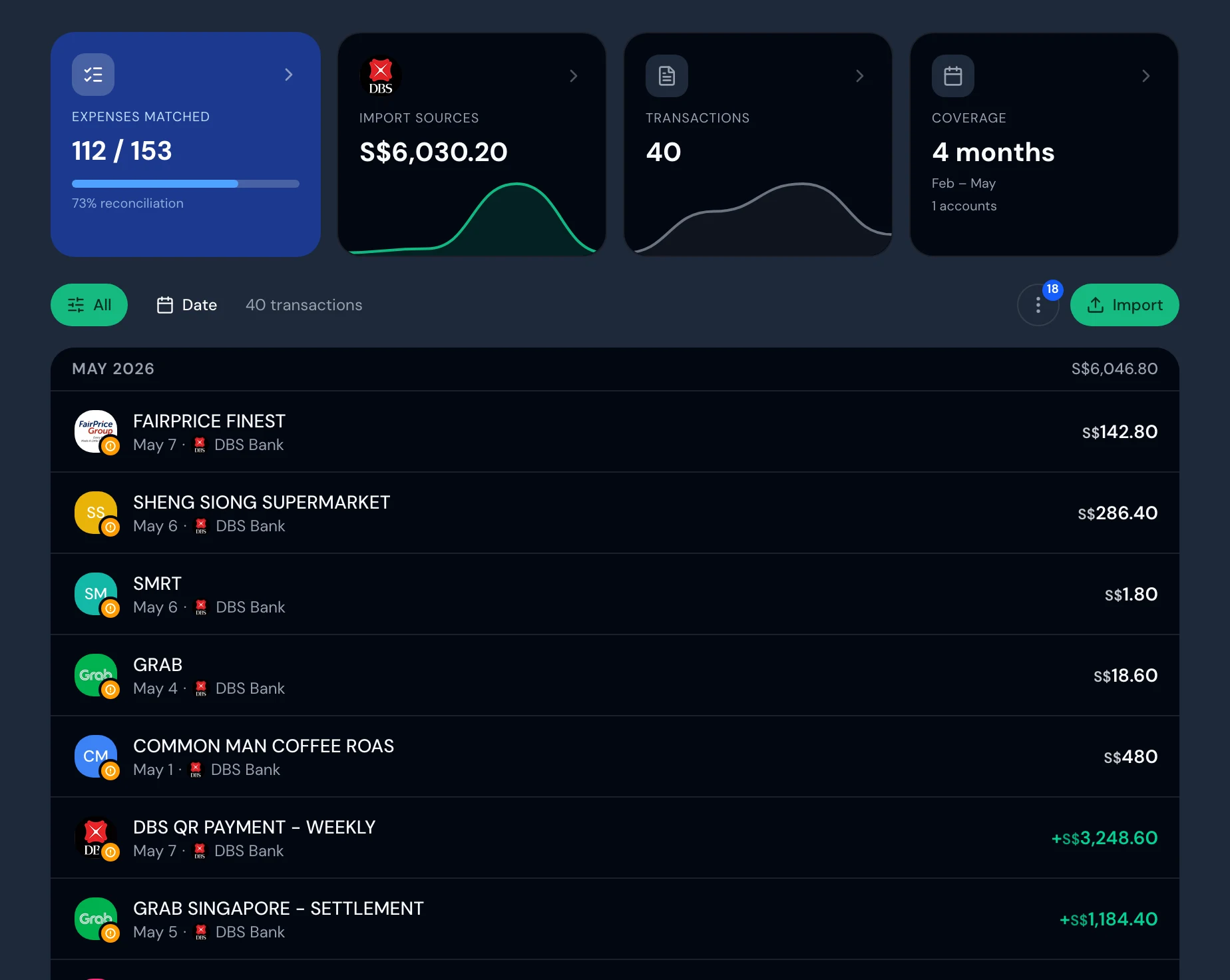
Import a card or bank statement as CSV, PDF, OFX or a photo. Denpyo reads the transactions and keeps them beside your receipts.
Every transaction sits on the Statements page with its source and date, and the page shows how much of the statement your receipts already cover. Matching is part of Connect & Export.
Kept
Kept the way the law asks
Each original is stored unchanged with a SHA-256 hash and an upload timestamp, and the record keeps its date, amount and vendor searchable.
Those are the three things Japan's Electronic Books Preservation Act asks of a digital receipt: authenticity, searchability and visibility. Other markets get the same storage, with their own retention period shown.
Compliance
NTA Ready
SHA-256
a3f8b2d1e74c8a52…4e6f1a38
Timestamp
————-——-——T——:——:——+09:00 JST
RETENTION
7 years · NTA
Searchable
Full-text indexed
真実性・可視性・検索機能すべて自動化。
 Japan·NTA
Six kinds of document
Denpyo tells them apart on its own, and you can add types of your own.
- Receipt
- Shop and restaurant receipts, with the tax split by rate where it is printed.
- Invoice
- Invoices and bills, with the registration number picked up when it is printed.
- Transfer voucher
- The Japanese journal slip, 振替伝票, read as the entries it carries.
- Expense report
- Expense claims prepared by hand or in another tool.
- Card statement
- Monthly credit-card statements, one transaction per line.
- Bank statement
- Passbook pages and statement exports, ready for reconciliation.
What this step means for you
- Freelancers
- Three scans free to start, and the same list on the web and both apps.
- Denpyo for freelancers
- Businesses
- Everyone on the team captures into the company workspace, from one shared scan allowance.
- Denpyo for Business
- Accounting firms
- Clients photograph on their own phones; your worklist shows what has arrived and who has gone quiet.
- Denpyo for practices
Questions
Which file types can I upload?+
JPEG, PNG and HEIC photos and PDF files, from the web or the apps. Bank and card statements also accept CSV and OFX.
Do I need the app?+
No. The web app takes uploads and works in a phone browser; the iPhone and Android apps add a camera flow, and on iPhone the document edges are detected for you. Email forwarding needs neither.
What counts as one scan?+
Each file you process counts once against your allowance. The free plan includes three, with no card.
What happens to the original file?+
It is stored unchanged with a SHA-256 hash and an upload timestamp, and stays attached to the record. Date, amount and vendor remain searchable, which is what Japan's Electronic Books Preservation Act asks for.
Start with three receipts.
No card, no setup. Scan three documents and see what comes back.