

Everyone scans. The company keeps one set of books.
Staff add receipts from the company workspace. Denpyo extracts the fields and turns each one into a reviewable company expense record.
14 days free. Checkout takes a card and charges nothing until the trial ends.
This is a fixture-backed, read-only company preview built with Denpyo product components. It uses synthetic data and cannot send reminders, export, or change books.
What a company gets
One shared pool
Scans, AI messages and bank statements are company-wide allowances. Nobody needs a subscription of their own; seats beyond the included count are added monthly.
See what is includedElectronic Books Preservation Act (電子帳簿保存法)
Uploaded source documents can carry a SHA-256 hash, timestamp and searchable date, amount and counterparty fields. Denpyo’s compliance audit flags records where evidence is missing.
See what is coveredFour markets
Japan, Singapore, Hong Kong and Malaysia, each with its own journal format and tax treatment.
See the formatsEight languages
Staff read the app in Japanese, English, Chinese, Korean, Portuguese, Vietnamese or Malay.
Read the questions
Who can see which receipts
A company ledger is no use if it is also a company-wide search of everyone's lunches. Access is a role, and every role resolves to a set of people.
- Owner and admin
- The whole ledger, plus billing, members, company cards, connections and exports.
- Manager
- Themselves plus the people assigned to them. The role exists only inside a company workspace.
- Accountant
- Themselves plus the people assigned to them. No access to billing or plan changes.
- Employee
- Their own receipts. A colleague's are never visible.
Company cards store a label, issuer and final four digits only, never payment credentials. The ledger can show an exact or possible match against a card assigned to the submitter; ambiguous cases stay marked as ambiguous.
The bank statement does the checking
Import a statement and Denpyo lines it up against what your staff scanned, so what is missing becomes a list to work through instead of a suspicion.
Matches are proposed, not applied. Nothing is confirmed until somebody with the right role confirms it.
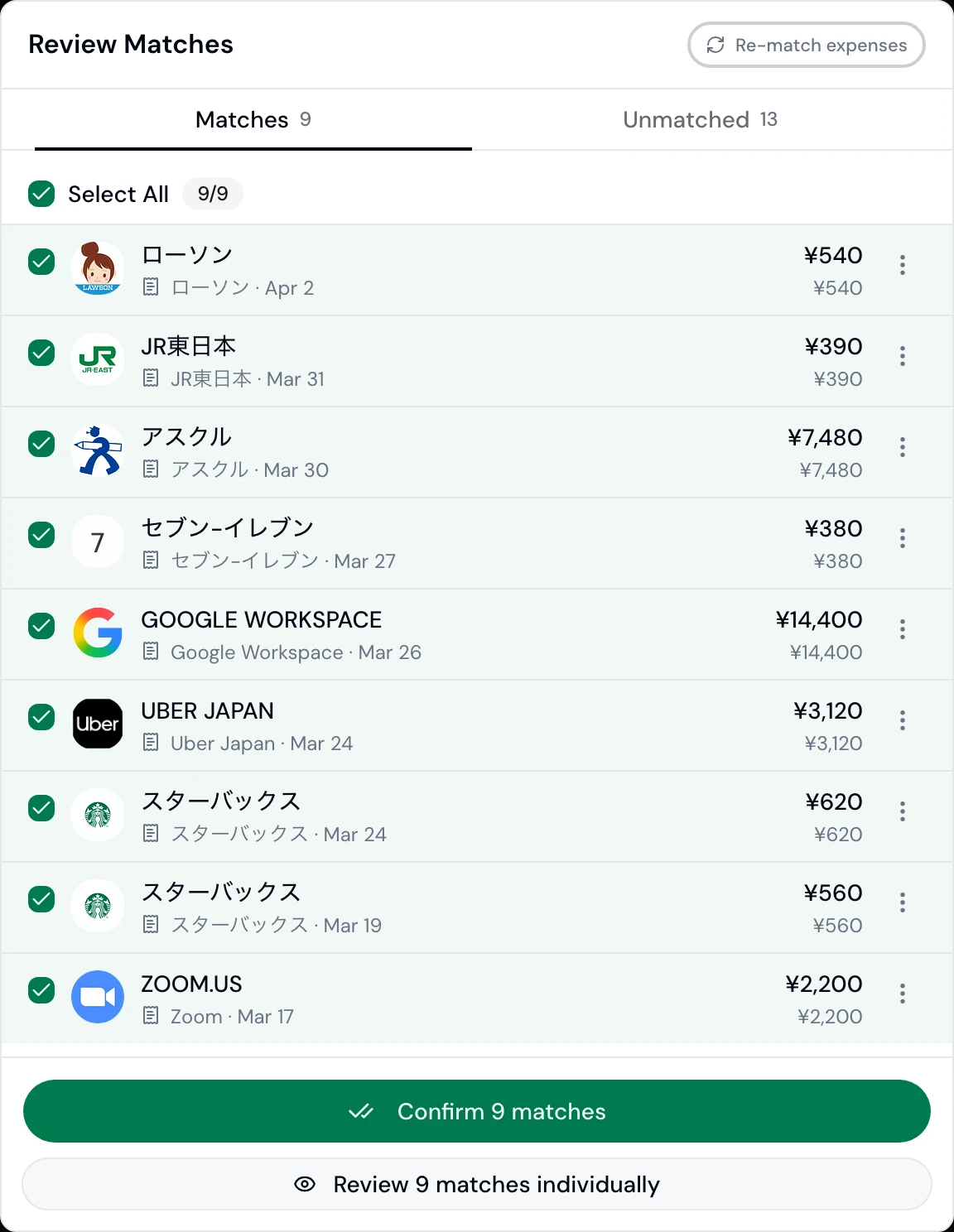
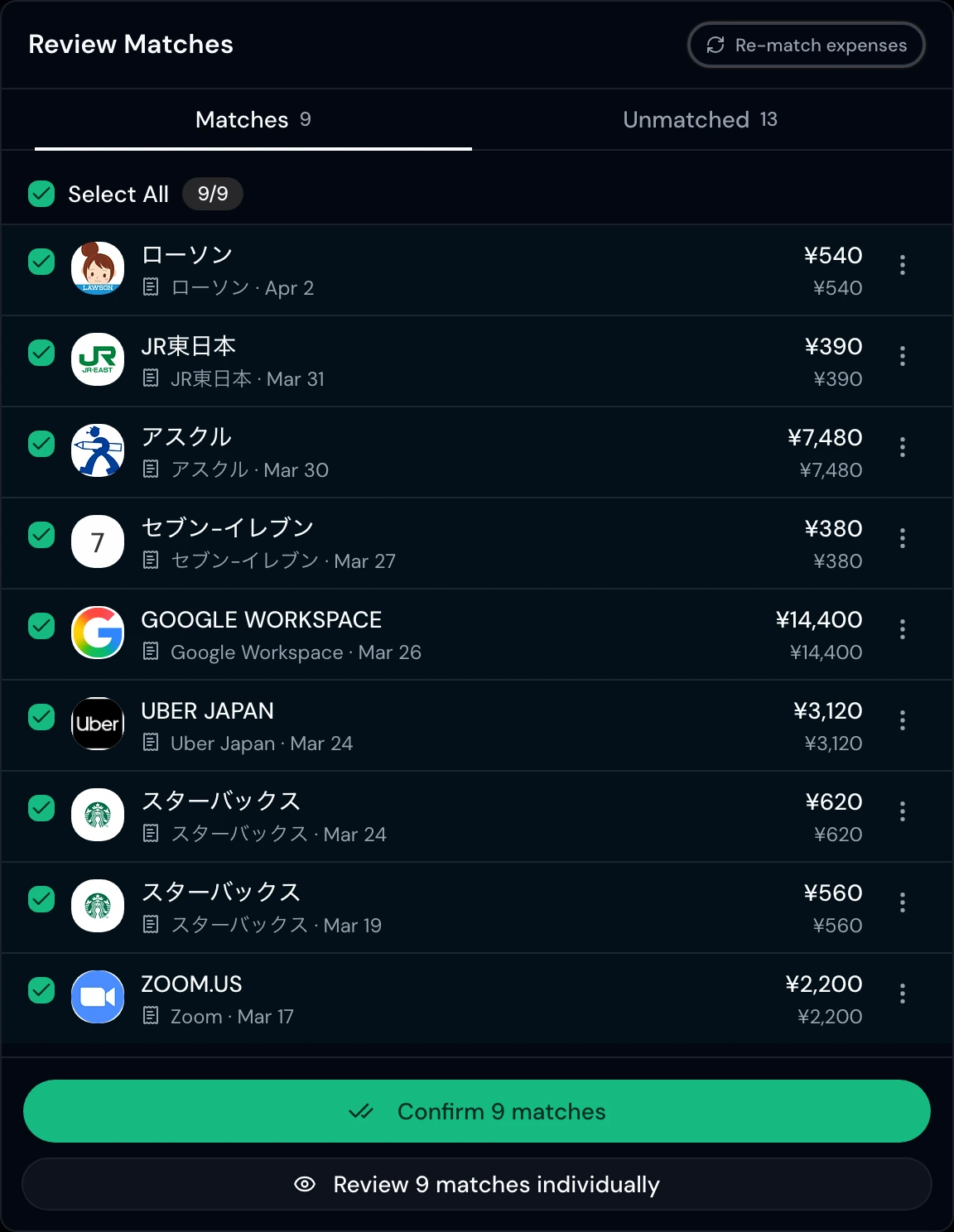
Unmatched statement lines stay visible so the finance team can resolve them with the right receipt or leave them open.
Month-end leaves the building
Two ways out, depending on whether you want Denpyo posting into your accounting software or simply handing you a file.
See every export pathConnected
Where a direct connector is configured, authorised staff can post mapped records to freee, Xero or QuickBooks. Money Forward and Yayoi use journal files.
Japan

Singapore, Hong Kong, Malaysia


As a file
Every record in the layout your accountant's software expects, with no connection to set up.
- freee
- MoneyForward
- QuickBooks
- 弥生
- Generic CSV
Market presets cover the Japanese 仕訳帳, Singapore GST, Hong Kong profits tax and Malaysian SST.
Ask the permitted team ledger
Compare team spend and category totals inside the staff scope your role permits.
Denpyo Agent
- 01
Your question
Who spent the most this month?
- 02
Proven scope
BusinessMarcus Hood Ltd · permitted team
Two people in this synthetic scope
- 03
Agent answer
Ken Watanabe is highest in this sample.
¥6,920 of the ¥10,400 team total.
- 04
Books behind the answer
- ¥6,920
Ken Watanabe
- ¥3,480
Maya Tan
About this example
This is a guided, read-only example built from synthetic records. It demonstrates the implemented scope and result shapes; it is not a live AI session.
Your staff never open the web app
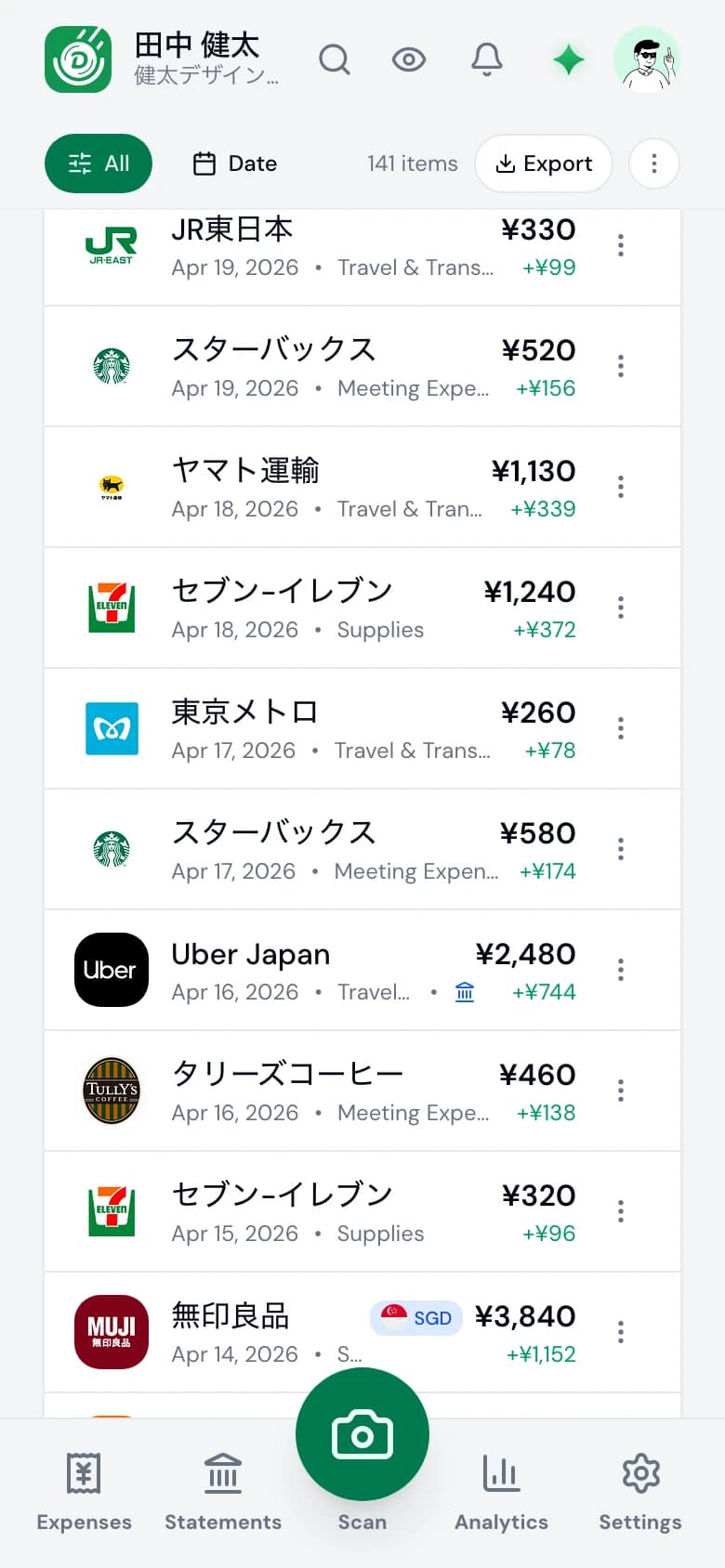
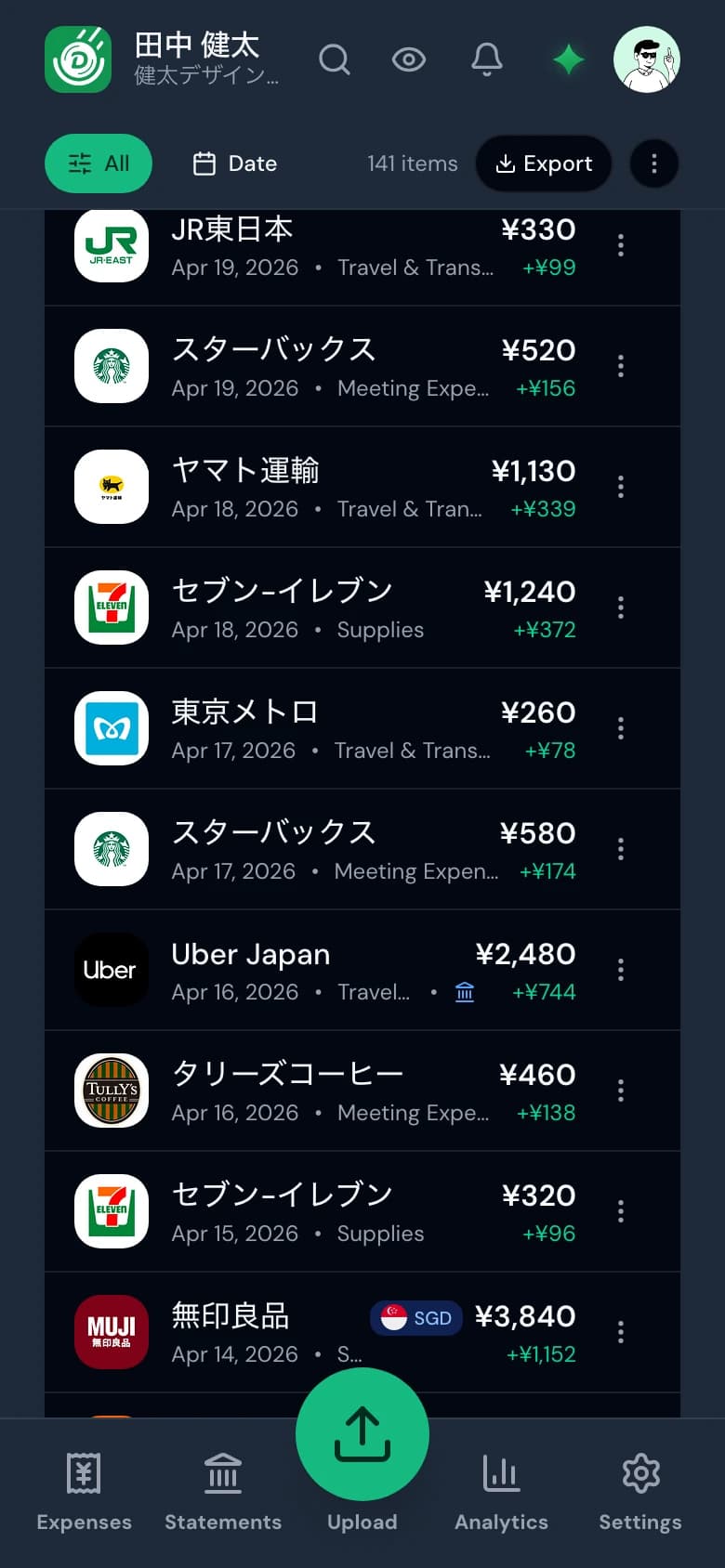
They photograph a receipt and carry on. Everything they capture lands in the company ledger you review.
- Scan a receipt the moment it is handed over.
- Ask the agent about the books without leaving the app.
- Everything syncs to the same company ledger you review on desktop.


Two plans
Both include a pool of scans, AI messages and bank statements the whole company draws on. Seats beyond the included count are charged monthly.
- Team
- A shared expense ledger for a five-person team.
- ¥4,800/mo
- Team Plus
- More seats, controls, and a larger shared pool.
- ¥9,800/mo
14 days free on the company's first subscription. Paying yearly costs two months less.
Questions a company asks
Do employees need their own Denpyo subscription?
No. Their seat is part of the company's plan and what they capture draws on the company's pool of scans. Seats beyond the included count are charged monthly at the per-seat rate shown on the Business pricing page.
Can a manager see everyone's expenses?
Only the people assigned to them. Owners and admins see the whole ledger, a manager or accountant sees themselves plus the staff configured for them, and an employee sees only their own receipts.
Does this satisfy 電子帳簿保存法?
Denpyo stores the original image and structured date, amount and counterparty fields used for search. New upload pipelines record a SHA-256 hash and timestamp, and the compliance audit flags older or incomplete records. Legal readiness still depends on the records and operating process.
How should staff add company receipts?
Staff should photograph or upload them from the company workspace. Personal email-forwarding addresses currently file to the individual’s own book, not the company ledger.
Which accounting software can Denpyo post into directly?
Direct posting is implemented for freee in Japan and Xero or QuickBooks in Singapore, Hong Kong and Malaysia when the connector is configured. Money Forward and Yayoi are supported as journal files.
Can we ask questions about company spending?
Yes. In a verified company workspace, the Agent can compare permitted staff spending and category totals over a selected period. It does not yet chase missing receipts, inspect company-wide duplicates or edit the team ledger.
What happens when the trial ends?
Checkout takes a card and charges it once the 14 days are up. Cancel before then and nothing is taken. Exports and connections stay available for as long as the subscription is active.
Start with your own receipts
Create a company workspace, invite two people, and put a week of real receipts through it before you decide anything.
Larger team?
If you need more than the plans above, or your accountant would rather look first, write to us.
contact@denpyo.com