
How to Register for a Malaysian Tax Number via e-Daftar 2026
Just started freelancing in Malaysia? Registering for an income tax number is your first step. This 2026 guide covers who must register, what you need, and how to get your TIN through e-Daftar on the MyTax portal.
This article provides general information based on Lembaga Hasil Dalam Negeri Malaysia (LHDN / IRBM) guidance as of July 2026 and is not tax advice. Rules can change — check the official LHDN website (hasil.gov.my) or a licensed tax agent for your situation.
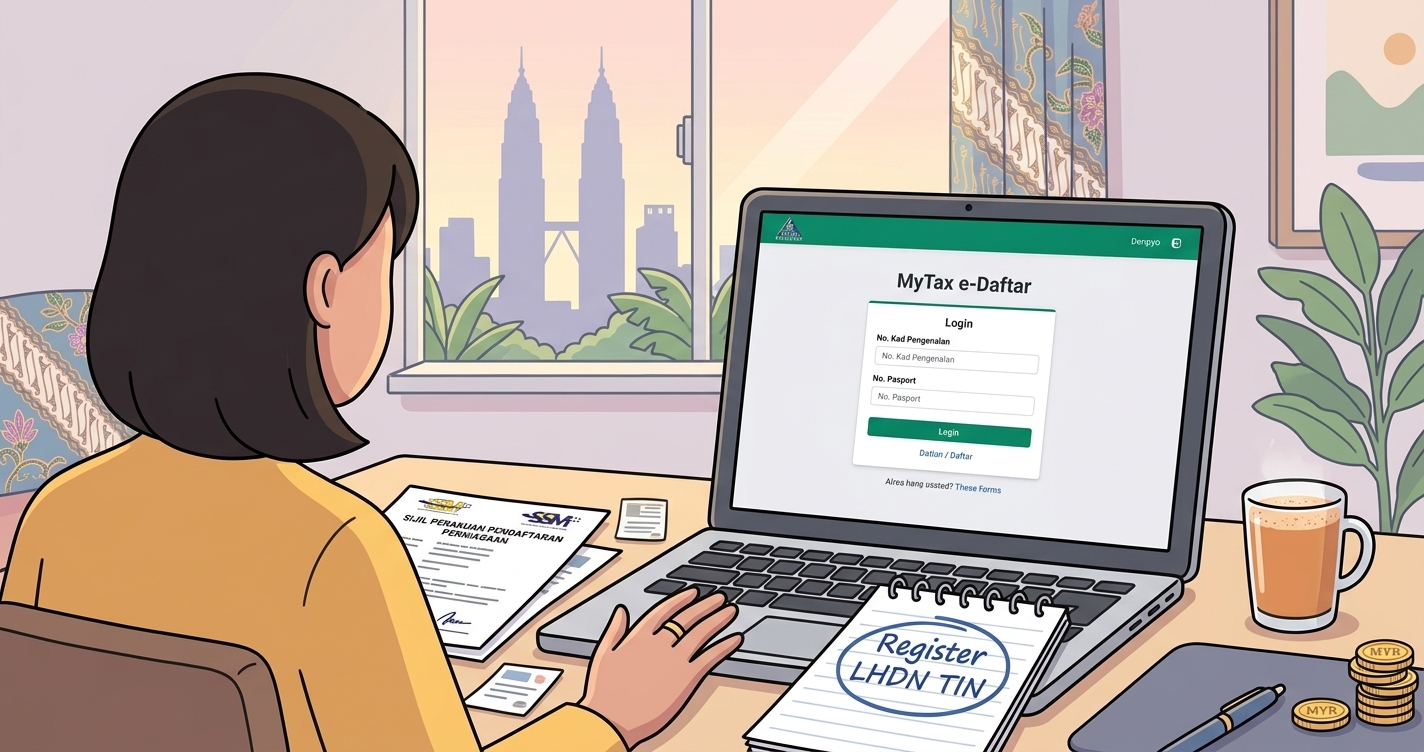
If you have just started freelancing, driving for a platform, selling online, or running a small business in Malaysia, one of your very first responsibilities is to register for an income tax number. Since 2024, this is done online through e-Daftar on the MyTax portal, and it issues your Tax Identification Number (TIN) — the number you need before you can e-file. This 2026 guide walks new freelancers and SME owners through who must register, what you need, and the exact steps.
Who needs to register for a tax number?
In Malaysia, you generally need an income tax number once you start earning assessable income. For freelancers, gig workers, and small business owners, that typically means the moment your business or self-employment income begins — you are responsible for registering, declaring, and paying tax on your profits. Unlike salaried employees whose employer may have set things up, self-employed individuals must take the initiative themselves.
Even if you think your income may fall below the taxable threshold after reliefs, registering early is sensible: it lets you file on time, claim deductions, and build a clean compliance record from day one.
What is a TIN and why do you need it?
Your Tax Identification Number (TIN) is your unique taxpayer reference with LHDN. According to LHDN, since 1 January 2024 individuals apply for a TIN online through e-Daftar at the MyTax portal. You will need the TIN to log in to MyTax, submit your Form B (the return for individuals with business income), and handle any correspondence with LHDN.
What you need before you start
- Malaysian citizens: your MyKad (identity card) number, plus a scanned copy of the front and back of your IC.
- Foreigners: your passport (biodata page) and proof of residence in Malaysia, such as a work permit, student visa, or tenancy agreement.
- A valid email address and phone number for verification and your MyTax account.
- Basic business details — the nature of your freelance work or business and, if you have one, your SSM business registration number.
Step-by-step: registering via e-Daftar
- Go to the MyTax portal at mytax.hasil.gov.my and select the e-Daftar option.
- Choose "Individual" as the taxpayer type.
- Enter your identification. Malaysians select "Identification Card Number" and enter their MyKad number, then click Search. If you are not already registered, the system lets you proceed with e-Daftar.
- Complete the online form with your personal and income details, and upload the required documents (IC front and back, or passport plus proof of residence).
- Review and submit. Check everything carefully, then submit. You will receive an application reference number — keep it.
- Wait for approval. LHDN processes the application, usually within a few working days, and issues your TIN.
- Activate MyTax / first-time login. Once you have your TIN, complete first-time login and set up your digital certificate (PIN) so you can e-file when the season opens.
After you get your TIN: the filing calendar
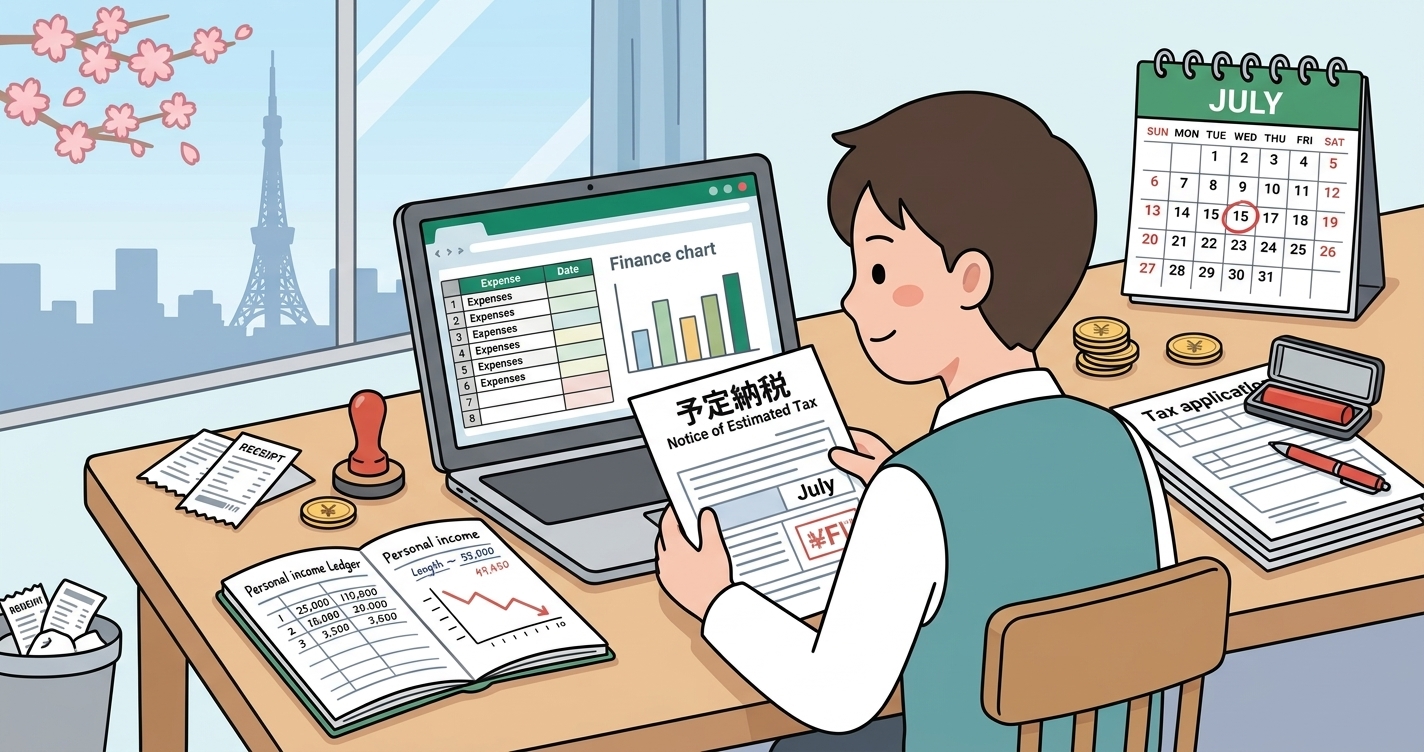
Registering is step one; filing is what follows. For individuals with business income filing Form B, the e-filing deadline generally falls in mid-July (around 15 July) for the preceding year's income. Note two things:
- Malaysia taxes income earned in a calendar year — so income earned in 2025 is filed in 2026.
- If your tax is not fully covered by deductions at source, LHDN may issue a CP500 instalment scheme requiring bimonthly prepayments — something many new freelancers are surprised by.
Start keeping records the day you register
Registering for a TIN is also the natural moment to start good bookkeeping. Malaysian taxpayers must keep business records for seven years, and your Form B profit is only as accurate — and as defensible in an audit — as the records behind it. New freelancers who wait until filing season to gather a year of receipts often lose deductions simply because a thermal receipt faded or a payment slip went missing.
Tools like Denpyo can auto-extract the date, amount, and category from a receipt photo, so your deductible expenses are captured and stored from your very first business purchase. When your first Form B is due, your income and expenses are already organised instead of scattered across a drawer and three chat apps.
To get a feel for your numbers, Denpyo's free income tax calculator helps you estimate what you may owe, the tax-savings estimator shows how expenses reduce your bill, and the expense checker helps when you are unsure whether a cost is deductible.
Common questions from new registrants
- Do I need to register a business with SSM first? SSM (business) registration and LHDN (tax) registration are separate. You may register a business name with SSM, but you still need a TIN with LHDN to file income tax.
- What if I already have a TIN from previous employment? You generally use the same TIN — you do not create a new one; you simply start filing Form B instead of Form BE once you have business income.
- How long does e-Daftar take? Submission is quick; approval typically takes a few working days.
Summary
Getting your income tax number through e-Daftar is the first formal step of freelancing or running an SME in Malaysia. Gather your IC or passport and proof of residence, register as an "Individual" on the MyTax portal, and activate your account so you are ready to e-file Form B — with the e-filing deadline generally in mid-July. Then, from the day your TIN is issued, keep clean records across the seven-year retention window. Register early, record as you go, and your first filing season will be a formality rather than a scramble.
Sources and official references
The following official and reputable sources were used to prepare and verify this article:

Track expenses, maximize deductions
Denpyo scans your receipts and finds tax savings automatically.